
Onsite IT Support in Christchurch: A Real Engineer at Your Door, Not a Call Centre
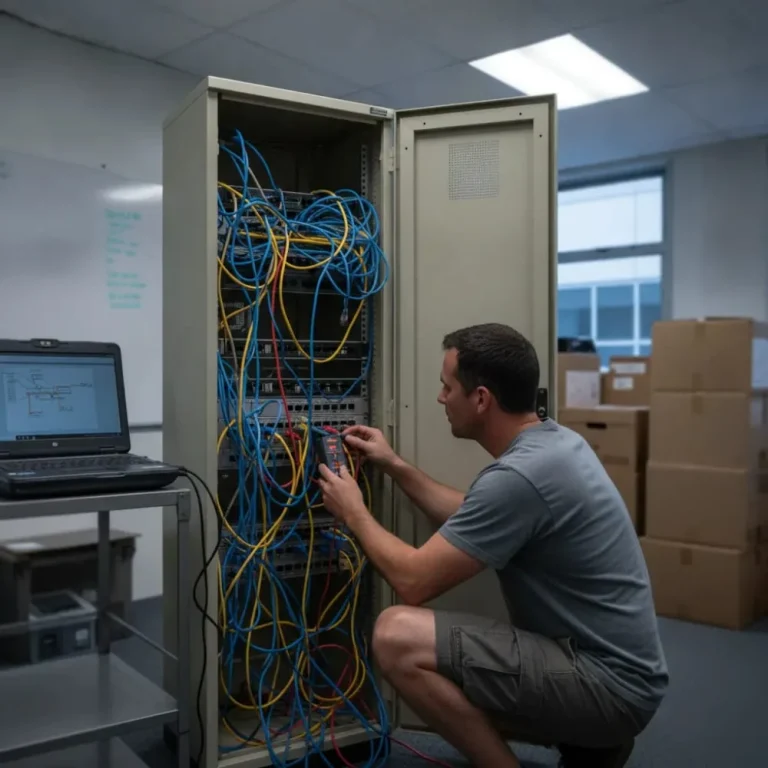
Onsite IT support means a technician comes to your premises and puts hands on the actual gear, rather than talking you through it from a screen. It is proactive IT support that pays for itself, usually within the first missed incident. We have been sending engineers to Christchurch offices since 2005, and onsite work sits alongside the rest of our IT support services rather than replacing them.
Spotting the Warning Signs That Need a Technician On Site

Some problems will not be solved over a phone call. A flickering switch in the server cupboard, a cable someone half yanked out during a desk shuffle, a printer that is dead no matter how many times you restart it. These need hands on the actual gear, not a remote session.
We see this every week. A business moves into a new central city office and the internet drops the moment more than ten people join a video call. It turns out to be the wireless setup, not the connection itself. Older Christchurch commercial buildings, especially the rebuilt stock from post-2011, often have wiring runs that were never designed for the number of devices a modern office throws at them.
- Wi-Fi that drops in parts of the office but not others
- New starters who cannot get their machine set up before their first day
- A server, switch, or firewall that needs physical replacement
- An office move or fit-out that needs cabling and network gear installed
- Hardware failures where a remote reboot is not enough
Not sure if your issue counts? If you have already tried turning it off and on again and nothing has changed, it is probably time to get someone out.
Onsite vs Remote Support: How to Decide Fast
Most calls we get can be sorted remotely in minutes. Some cannot, and knowing the difference before you pick up the phone saves everyone time.
Here is the quick test. If it is software, a login, or a slow app, remote support almost always sorts it. If it is hardware, cabling, or the whole office down at once, you need someone standing in the room.
- Wi-Fi drops in one part of the office but not another. Usually a cabling or access point issue, needs eyes on site
- A single laptop acting up, password resets, or software errors. Remote fixes these fast
- New starter needs a desk, monitor, and phone set up. Onsite is quicker and neater
- Server room warm to the touch or making noise. That is a physical check, not a remote one
- Whole team locked out after a power cut. Often needs a hands-on reboot of networking gear
A lot of Christchurch commercial stock, especially CBD fit-outs done during the post-earthquake rebuild, has mixed-age cabling hidden behind the walls. That is the kind of thing no remote session can diagnose properly, because someone has to trace the run.
So if you are not sure, just call. We will ask two or three questions and tell you straight whether it needs a visit or not.
When You Do Not Need an Onsite Visit
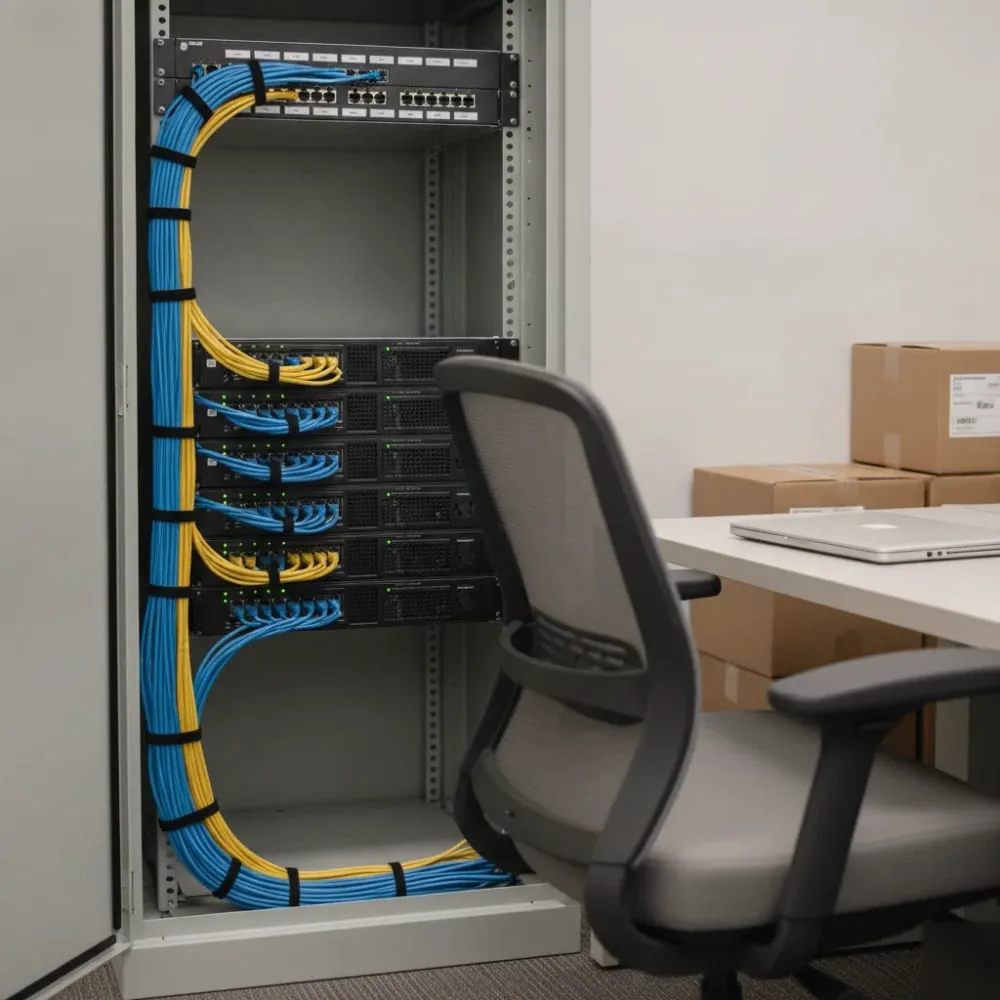
Not every IT hiccup in a Christchurch office warrants a technician driving out to Riccarton, Addington, or the CBD. Plenty of everyday problems are software-only and can be sorted in minutes over the phone or through a secure remote session. A good onsite IT support provider will tell you this upfront, because charging a dispatch fee for something a five-minute call could fix is not good business, it is padding an invoice.
- Forgotten passwords or account lockouts that need a reset through Active Directory or a cloud admin portal
- Permission errors where a staff member cannot access a shared drive, mailbox, or printer they are entitled to use
- Minor connectivity blips such as a laptop dropping Wi-Fi, usually fixed by a router reboot or reconnecting to the correct network
- Software update prompts or licence activation issues that just need a few clicks guided over the phone
- Printer queue jams where a stuck print job needs clearing rather than a hardware fault diagnosed
- Slow performance caused by too many browser tabs or background processes, resolved with a restart and a quick check
These calls make up a surprising chunk of daily support tickets across Christchurch businesses, from small retailers on Colombo Street to professional firms in the CBD. Most get resolved through remote access tools that let a technician see your screen, apply the fix, and explain what happened, all without anyone leaving their desk. Turnaround is typically under fifteen minutes, with no travel time added to the bill.
This is where predictable pricing earns its name. When a provider prices support around flat monthly rates or bundled remote hours rather than per-visit dispatch fees, there is no financial incentive to send someone out for a problem that never needed a van in the driveway. You are not paying for windscreen time across Christchurch traffic when a screen share would have done the job just as well. That alignment of incentives is a fair test of whether an IT partner is being straight with you, and it is the core difference between break-fix and managed IT.
What to Prepare Before You Book a Visit
A technician arriving at your Addington office or Riccarton retail unit can only work as fast as the information you hand them. Onsite support is most cost-effective when the visit is spent fixing the problem, not reconstructing what happened. Ten minutes spent gathering details beforehand can shave thirty minutes or more off the diagnostic phase, which matters most if you are working within a fixed-price or capped-hour arrangement.
The single most useful thing you can do is capture the exact error message, either by writing it down word for word or snapping a photo on your phone. Vague descriptions like “the printer is not working” force a technician to start from zero. A screenshot of an error code, a photo of a blue screen, or a copy of a bounced email notification gives them a direct starting point and often narrows the likely cause before they have even left their vehicle.
- The exact wording or screenshot of any error message, warning, or failed update notice
- When the issue first appeared, including the date, time of day, and whether it happens constantly or only sometimes
- Any recent changes such as a Windows update, new software install, staff device swap, router replacement, or ISP change
- Which specific machines, users, or locations are affected, especially if you have multiple sites around Christchurch
- Whether the issue follows one person to different devices or stays with one machine regardless of who logs in
- Any troubleshooting already attempted, such as restarting the device, unplugging the router, or reinstalling software
- Login credentials or access arrangements needed, particularly for shared office equipment or cloud accounts
It also helps to note what has changed in the wider environment, not just on the affected device. A firmware update pushed to your office router, a new staff laptop added to the network, or a change made by your internet provider can all trigger downstream problems that look unrelated at first glance. Technicians who know about these changes in advance can test the actual suspect first, rather than working through a long list of unlikely causes.
Under a fixed-price visit, this preparation directly protects your budget. Diagnosis time is the most variable part of any support job, and clear information removes much of that variability. Businesses that arrive with a written timeline, a saved error screenshot, and a short note on recent changes consistently get faster, more predictable outcomes than those who wait to explain everything on the spot.
See How We Handle Onsite IT Support in Christchurch
Key points from the video:
- The physical problems a remote session cannot fix
- How Christchurch building stock affects your network
- What a technician checks first when they arrive
- When to save your money and take the remote fix instead
What Happens During an Onsite IT Support Visit in Christchurch

When a technician arrives at your Christchurch premises, the visit starts with a short conversation rather than a straight march into the server room. A good engineer will ask what prompted the call, when the issue started, and whether it affects one person or the whole office. This context matters because the same symptom, such as slow file access or dropped video calls, can point to entirely different root causes depending on the building and network setup.
Diagnosis is where local experience pays off. Christchurch has a mix of heritage buildings, post-earthquake rebuilds, and converted villas now used as offices, and each brings its own cabling quirks. A technician will typically check the physical layer first, meaning patch panels, switch ports and cable runs, before assuming the issue is software or ISP related. It is common for a call logged as “the Wi-Fi is dropping out” to trace back to a single damaged cable run behind a wall, a switch that has been quietly overheating in a cupboard for two years, or interference from the thick brick and plaster common in older Christchurch buildings.
- Visual inspection of network hardware, cabling, and power supply
- Testing affected devices individually to isolate whether the problem is local or network wide
- Checking switch logs and port statistics for errors, drops, or duplex mismatches
- Reviewing recent changes such as new equipment, software updates, or building works that may have disturbed cabling
Once the cause is identified, most issues are resolved on the spot, whether that means replacing a faulty cable, swapping out an ageing switch, updating firmware, or reseating a loose connection. If the fix needs parts not on hand or touches a bigger infrastructure decision, the technician will explain the options clearly, quote the work, and schedule a return visit rather than guessing or leaving things half fixed. Recurring hardware faults are usually a sign the wider IT roadmap needs a look, not just the failed part.
A proper visit does not end when the technician walks out the door. Reputable providers document what was found, what was done, and what to watch for, giving you a written record rather than a verbal summary you have to remember. This paper trail matters if the same issue recurs, or if you ever need to justify a hardware upgrade to management.
Just as importantly, the person doing all of this should be a real, locally based engineer who knows Christchurch buildings and businesses, not a subcontracted technician working from a generic offshore script. If you are weighing up providers, our guide to comparing Christchurch IT providers sets out what to ask.
Onsite IT Support in Christchurch: Frequently Asked Questions
What Christchurch areas do you send technicians to?
We send technicians across Christchurch, including the CBD, Riccarton, and Addington. Most onsite visits get booked the same day when the issue needs hands-on work like cabling, hardware, or network gear. Older commercial buildings in post-2011 rebuild areas often have mixed-age wiring, so a site visit lets our engineer trace cable runs properly rather than guess. If your office is outside these areas, give us a call and we will confirm coverage before locking in your visit.
What should I expect when a technician arrives at my office?
Your technician will start by checking the exact problem you reported, so having a photo or screenshot ready speeds things up. They will head straight to the affected gear, whether that is a server cupboard, a switch, or a desk setup for a new starter. Most visits focus on fixing the issue on the spot, not just diagnosing it. If cabling or hardware needs replacing, they will explain what is needed before starting work, so there are no surprises partway through.
Why does my Christchurch office Wi-Fi drop during video calls?
This usually comes down to your wireless network setup, not your internet connection itself. We see this often in central city offices that moved into post-2011 rebuild buildings, where wiring was never designed for the number of devices a modern office runs. Once more than ten people join a call, the network struggles to keep up. A technician can check access point placement and cabling on site to find the real cause, rather than guessing over the phone.
How do I know if I need onsite or remote IT support?
The quickest test is whether the problem is software or hardware. If it is a login issue, a slow app, or a single laptop acting up, remote support usually sorts it in minutes. If it is cabling, a server room that is warm or noisy, or your whole office down at once, you need someone standing in the room. If you are not sure, call us and we will ask a few quick questions to figure out which one you need.
What should I do before booking an onsite visit?
Write down or photograph the exact error message before you call. A screenshot of an error code, a photo of a blue screen, or a bounced email gives your technician a real starting point. Vague descriptions like “the printer is not working” force them to start from zero once they arrive. Spending ten minutes gathering these details can shave thirty minutes off the visit, which matters most when the fix needs to happen fast.
Do you charge a callout or dispatch fee for an onsite visit?
Managed clients are covered under their plan rather than billed per visit, which is the point of a flat monthly fee: there is no incentive for us to send a van when a screen share would do. For businesses not on a plan, we quote the visit before we travel so you know the number in advance. Our full pricing bands are set out on our managed IT support cost page.
Running a smaller team? Our small business IT support in Christchurch page covers what changes below about twenty staff.