
If you manage operations, finance or IT at an SMB in New Zealand, this guide shows how to spot scam red flags, run a one‑minute triage and take immediate containment steps. We explain current scam trends, common scam types, business‑specific risks, a short checklist your team can use right away and where to report incidents in New Zealand.
Quick answer: What this guide covers and why it matters to your business
If you manage operations, finance or IT at an SMB in New Zealand, this guide shows how to spot scam red flags, run a one‑minute triage and take immediate containment steps. Use the checklist and reporting steps to act quickly when a suspicious request appears.
What exactly is a scam?
A scam is a dishonest scheme designed to steal money or personal information. Scammers use email, phone, social media and fake websites to impersonate trusted organisations or people.
- Impact on business: Financial loss, reputational damage and operational disruption.
- Common vectors: Phishing, imposters, fake suppliers and compromised email accounts.
Current scam trends to watch in 2025–26 (AI, imposter, BEC and more)
Scammers are adapting quickly; these trends often target business processes as well as individuals — in Q1 2025, NCSC reported that 486 (38%) of incidents were classified as Scams and Fraud. Watch them so you can prioritise controls and staff checks.
AI voice and video cloning
Attackers use AI to mimic executives’ voices or faces and issue urgent requests — this matches industry findings where 31% of APAC fraud teams flagged AI voice manipulation as a leading fraud typology. These messages create authenticity and pressure staff to act without verifying.
- Example: A voicemail from “the CEO” asking for an urgent overseas payment.
Imposter scams
Scammers pose as banks, government agencies or suppliers and use official‑sounding scripts. The goal is to create urgency and bypass normal verification steps.
- Watch for: Slightly wrong email domains, unexpected requests for personal data, or pressure to act now.
Business Email Compromise (BEC)
BEC involves compromised or spoofed business emails used to request payments or change supplier details. These attacks often result in successful invoice redirection or wire fraud — for example, NCSC found that among large-loss incidents in Q1 2025, several involved unauthorised transfers.
- Common sign: Emails asking to change bank details or to transfer funds immediately.
Supply‑chain targeting
Attackers target suppliers and procurement systems to insert fake vendors or change legitimate vendor details. Routine workflows make this an effective method for stealing payments.
Mitigation: Verify supplier bank‑change requests by calling a known number from your records.
Types of scammers to watch out for
Different scams use different tactics. Below are common customer‑facing and business‑facing examples your team should recognise.
Travel scams
Travel scams use fake clubs, bogus rental listings or timeshare resales to collect payments or personal data. They often look like legitimate booking sites.
- Red flags: unusually low prices, pressure to pay immediately, or requests to pay outside a recognised platform.
Romance scams
Scammers build false relationships to request money later. These are typically consumer‑targeted but can affect staff personally and distract them from work.
Cryptocurrency scams
Offers promising quick returns, fake investment platforms and wallet‑theft phishing are common. Treat unsolicited crypto investment requests with high scepticism.
Online purchase scams
Fake marketplace listings or counterfeit products on peer‑to‑peer platforms steal payments and personal data. Always use platform payment systems and verify seller histories.
Loan forgiveness and tax pension scams
Fraudsters promise loan forgiveness or refunds in exchange for fees or personal information. These offers are usually fraudulent; never pay up front for a guaranteed outcome.

Small business scam alerts and invoice/fraud risks your finance team should know
Business scams exploit routine approvals and supplier relationships. Protecting your accounts payable and procurement processes reduces risk without slowing operations.
- Two‑person approval: Require two sign-offs for large payments and any supplier bank‑detail changes — given that 71% of organisations say they struggle to keep pace with fraud, simple procedural controls like dual approval are an important safeguard.
- Independent verification: Call a supplier using the phone number on file to confirm bank‑change requests.
- Payment holds: Implement short holds on unusual or first‑time payments for verification.
Invoice redirection fraud is common and effective because attackers copy invoices and supplier branding. Verify requests via a separate channel before you pay — payment‑fraud losses are substantial, with online payment fraud projected to exceed USD 362 billion through 2028.
- Detection tip: Check recent invoice formats and account details against your supplier master file.
CEO/CFO impersonation scams use authority to create urgency. Staff should treat any payment request that claims to be confidential or urgent as suspicious until verified.
- Process change: Require a secondary confirmation call for any request labelled ‘urgent’ from senior staff.
Supplier onboarding abuse occurs when fake suppliers enter procurement systems. Strengthen onboarding with identity checks and bank‑account verification — the Government and industry are progressing measures such as Confirmation of Payee to reduce payment‑change fraud.
These practical controls are low cost and quick to implement; they close the most commonly exploited gaps attackers use to steal from SMBs — NCSC recorded direct financial losses of $7.8 million in Q1 2025, underscoring the value of preventive steps.
How do you know if you experienced a scam?
Recognising a scam quickly reduces the chance of loss. Use the checks below to triage any suspicious message or request.
Recognising scam indicators
- Urgency or pressure: Requests that insist on immediate action or secrecy are red flags.
- Unusual payment methods: Requests for gift cards, unusual wire transfers or new bank accounts.
- Unexpected attachments or links: Unsolicited files or links that prompt credentials or payments.
- Close-but-wrong email addresses: Slight domain changes or extra characters in sender addresses.
- Requests outside normal process: Payment or supplier changes that bypass your standard approval workflow.
Quick triage questions
- Is this expected? Had you or your team asked for this before?
- Can you verify off‑channel? Call a number you already have on file, not the one in the message.
- Does it follow policy? Would this pass your two‑person approval or supplier‑change checks?
How to avoid a scam — a one-minute checklist for busy executives and AP teams
Use this checklist as a quick, repeatable test before approving payments or sharing sensitive data — combined with regular in-person training, checklists and simulations help staff spot and stop scams.
- Verify unexpected requests: Call a known contact number to confirm changes or payment requests.
- Check the sender: Hover over email addresses and verify the domain; look for subtle typos.
- Question urgency: Slow down and require a documented approval for anything urgent.
- Require two approvals: Payments above a threshold or supplier changes must have two authorised signoffs.
What to do if you or your business were scammed — immediate steps and containment
Act fast. These steps help limit financial, reputational and technical damage.
- Contact your bank immediately: Call your bank’s fraud team to attempt to stop or reverse payments.
- Secure compromised accounts: Change passwords, enable multi‑factor authentication and isolate affected devices.
- Notify affected parties: Tell clients, suppliers and staff who might be impacted so they can ignore follow‑on requests.
- Preserve evidence: Keep emails, transaction records and logs intact for investigators.
- Escalate internally: Engage your IT team or MSP to investigate and contain technical exposure.
How to report scams in New Zealand (who to contact and where to file reports)
Report promptly and include copies of messages and transaction details to help investigators.
- Your bank: First contact for financial loss or unauthorised transfers.
- New Zealand Police: Report if you have suffered financial loss or identity theft.
- CERT NZ: Report phishing, compromised accounts and other cyber incidents.
- Netsafe: For online impersonation, harassment or harmful digital communications.
- Commerce Commission: For misleading trading practices or persistent scams affecting consumers.
Managing scam alerts on your devices and reducing alert fatigue
Manage alerts so staff stay informed without overloading them. Use device and inbox controls to reduce noise.
Phone and messaging
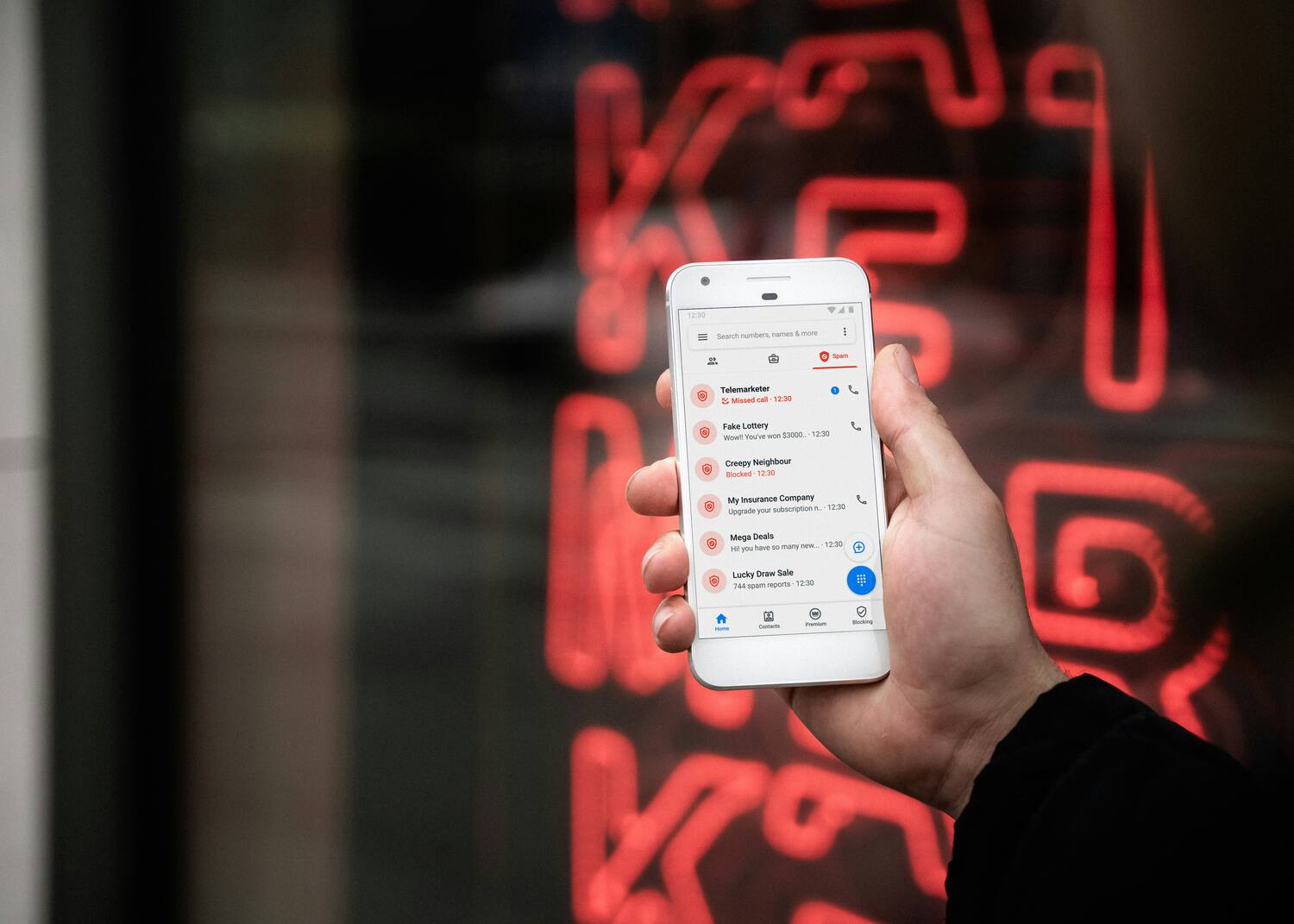
- Mark and block: Use built‑in features to mark spam calls and texts so networks can learn and block repeat offenders.
- Trusted contacts list: Encourage staff to only accept urgent payment changes after verifying via a previously recorded phone number.
- Inbox filters: Route suspected phishing into a review folder rather than the main inbox.
- Suspicious tag: Use a visible tag for externally sourced emails so staff can spot untrusted senders quickly.

Cybersecurity services: Essential for scam prevention
Technical defences plus trained people reduce the chance a scam becomes a loss. Prioritise services that detect, block and recover.
24/7 network monitoring
Continuous monitoring catches unusual logins, abnormal email activity and suspicious data flows early. Early detection reduces investigation time.
Regular security audits
Audits find misconfigurations, stale access permissions and missing patches. Fixing these lowers the risk of account compromise used in BEC attacks.
Incident response and recovery
A tested incident response plan gives clear roles, communications steps and technical actions to recover fast. Backups and tested recovery procedures minimise downtime.
Advanced Threat Protection (ATP)
ATP tools focus on behavioural detection to block sophisticated attacks that signature‑based tools miss. They reduce false negatives against novel phishing tactics.
Employee training programs
Regular training sessions are one of the most effective defences and should include practical simulations.
- Spotting phishing and imposter indicators
- Internal reporting steps and escalation
- Verifying payment and supplier‑change requests
Why Oxygen IT is the go-to for your cybersecurity needs
Oxygen IT helps businesses prevent and respond to scams with proactive security, fast incident response and clear recovery steps. Our focus is on outcomes—minimising downtime and limiting operational impact so you can keep running the business.
- Fast response: Rapid support to contain incidents and reduce loss.
- Practical outcomes: We prioritise fixes that restore operations and close the root cause.
- Ongoing service: Security monitoring, audits and staff training to reduce repeat incidents.
Contact Oxygen IT to arrange a security review or urgent incident response.
Frequently asked questions about scam alerts and consumer/business protection
Check known breach services for exposed emails and run a professional cybersecurity audit for company systems. A full audit identifies compromised accounts, misconfigurations and recommended remediation steps.
If you need help reviewing processes or responding to an incident, contact Oxygen IT for a practical, outcomes‑focused security review and rapid incident response. Our team will help prioritise controls and get you back to business quickly.
Contact your bank immediately to try to stop or reverse payments, then secure compromised accounts by changing passwords and enabling multi‑factor authentication. Preserve evidence and report the incident to CERT NZ and the Police so investigators can follow up.
For financial loss, contact your bank first and then the New Zealand Police; for phishing or cyber incidents report to CERT NZ; for misleading trading practices contact the Commerce Commission. Report quickly and include copies of messages and transaction details to help investigators.
Sign up for CERT NZ, Netsafe and government consumer protection updates; these are free and provide timely, local alerts. Choose one or two sources and review them weekly.
