

Key Takeaways
Securing your digital environment requires a consistent and disciplined approach to managing credentials across all platforms. Adopting a structured strategy for storage and access significantly improves your long-term security posture.
- Prioritize the use of unique, complex passwords for every single online account you own.
- Utilize a centralized vault to store and protect sensitive information with robust encryption standards.
- Enable multi-factor authentication to add a vital layer of security beyond simple passwords.
- Periodically review stored credentials to identify weak or compromised items requiring immediate updates.
- Leverage secure sharing features when collaborating on sensitive files within a private, trusted environment.
Understanding core security architecture
The foundational premise of modern security relies on keeping data inaccessible to outside parties, even the service provider itself. By implementing a zero-knowledge framework, a system ensures that data is only ever readable by the authorized end user.
Zero-knowledge encryption explained
Zero-knowledge security is a design principle where sensitive information is encrypted locally on a user’s device before being uploaded to a server. Because the server only ever receives and stores ciphertext, the service provider possesses no decryption keys and cannot access your private records.
The role of the master password
The master password acts as the unique cryptographic key required to unlock your encrypted records. Since it is the only piece of information that guards your entire vault, choosing a high-entropy passphrase that is not used anywhere else is the most critical decision you make during the initial configuration.
How data is stored in the encrypted vault
Your records are organized within an encrypted digital vault that serves as a single source of truth for your sensitive data. Using Keeper Security as a reference point for this model, the vault securely hosts passwords, passkeys, and secure notes, ensuring that each entry is protected by AES-256 encryption at rest.
Managing encryption keys locally
Local management of encryption keys is what distinguishes true zero-knowledge platforms from others that might retain access. By processing the heavy lifting of encryption on the client side, the software ensures your private keys never leave your workstation, allowing you to access Keeper Password Manager securely regardless of your connectivity status.
Setting up your account and vault
Establishing a secure foundation requires a methodical process of authentication and data migration to ensure all your existing sensitive entries are correctly imported. This initial phase sets the stage for a more secure and streamlined online experience once your primary vault is ready for everyday activity.
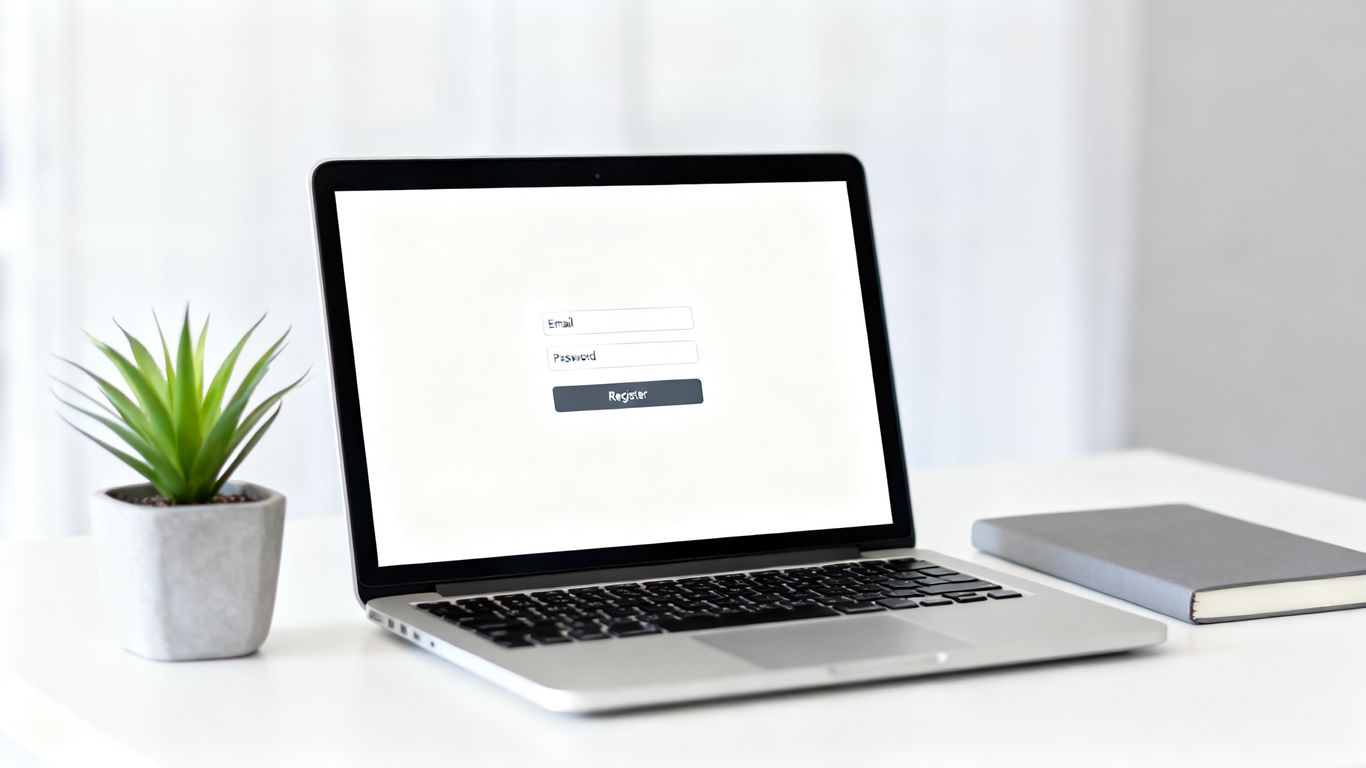
Initial account registration steps
Registering a secure account begins by verifying your identity and creating the primary master password that will protect your future entries. It is essential to choose a unique, hard-to-guess secret that remains exclusive to your new account.
Importing passwords from existing browsers
Most users have a large collection of legacy credentials saved in disparate browser profiles, which creates unnecessary security holes. Consolidating these by importing your data properly allows you to delete insecure browser-local files and centralize everything into a more robust, encrypted location.
Configuring your master password recovery
While the goal is to keep keys local, most users benefit from setting up a secure recovery mechanism to avoid catastrophic data loss in the event of a forgotten password. This pathway is typically established during setup to ensure you have a fallback that adheres to your privacy preferences.
Installing necessary browser extensions
Installing the browser extension allows the software to perform its duties in the background by listening for login fields on the websites you visit. This automation removes the need to copy and paste passwords, preventing them from sitting in the system clipboard longer than necessary.
Utilizing essential password management features
Once your primary accounts are securely tucked away, the focus shifts toward maximizing the software’s native capabilities to refine your overall workflow. These features transform your security approach from a manual burden into a highly automated process that saves time while boosting safety.
Automated secure password generation
Randomized passwords are significantly stronger than manually constructed ones because they lack predictable human patterns often targeted by attackers. You can easily replace weak or repeated passwords by clicking a button to cycle through complex character combinations that are specific to each site.
Organizing credentials with record folders
Folders allow for logical segmentation of your data, separating professional logins from family or personal information. This organization helps you maintain a clean interface and ensures that you can locate specific credentials quickly. A standard folder structure for effective vault management includes:
- Personal Finance and Banking
- Professional Work Credentials
- Healthcare and Medical Portals
- Subscription and Streaming Services
- Secure Identity Documents
Storing non-password sensitive data
Your vault is not limited to credentials alone; it should host important files like insurance documents, recovery codes, and digital certificates. Just as you might verify local paver contractors for your home, treating every saved item in your vault as a vital asset ensures you maintain high quality across your personal document storage.
Using the secure file storage feature
Storing files inside the encrypted container provides an added layer of convenience for items that require immediate access across devices. You simply attach the file directly to a record and synchronize the update, so that it becomes available whenever you perform your vault login on a different machine.
Sharing and collaboration for individuals and teams
Collaboration should not come at the cost of your security protocols, which is why integrated sharing tools allow you to provide access without exposing the actual password. This controlled method ensures you maintain traceability and control over sensitive information long after the initial share is sent.
Securely sharing records with other users
Sharing records to other trusted individuals is best achieved through direct, encrypted connections that prevent the plain-text disclosure of credentials. This ensures that the recipient can use the data while you retain the ability to rescind access at any time.
Managing permissions and access levels
Granular permissions mean that you can decide whether a collaborator is allowed to view, edit, or manage the shared record. By assigning these roles correctly at the start, you prevent unwanted alterations to your data while facilitating the necessary workflow for your team.
Setting expiration dates on shared items
Temporary sharing is a best practice for security because it enforces the principle of least privilege by closing access windows automatically. Providing a client or colleague access for exactly as long as they need it removes the risk of lingering unauthorized entry points.
Transitioning to team-based vault management
When moving to a business environment, you should seek out enterprise-specific resources to handle complex administrative duties like provisioning and offboarding. Transitioning to professional-grade tools allows you to scale security across an entire organization without manual maintenance.
Strengthening access with multi-factor authentication
MFA is the most effective deterrent against unauthorized access because it prevents a stolen password from being enough to compromise your account. By necessitating a secondary check, you ensure that login success is tied to something you know and something you possess.
Enabling two-factor authentication
Activating this feature generally requires scanning a QR code or entering a secret key into your preferred authentication app. This creates a time-sensitive, one-time password that must be provided alongside your master password when entering the vault.
Supporting TOTP and hardware security keys
The technical comparison of different authentication methods highlights important usability differences to consider for your primary setup.
| Authentication Method | Security Level | Best For |
|---|---|---|
| Mobile Push Notification | High | Daily convenience |
| TOTP (App-based) | Moderate | All-device support |
| Hardware Security Key | Exceptional | Maximum protection |
Selecting the right factor depends on your device access and the threat levels inherent to your typical digital environment.
Handling emergency account recovery pathways
Emergency recovery allows you to designate trusted contacts who can help regain access if you are incapacitated or locked out of your primary device. This feature acts as a fail-safe, ensuring your data remains reachable for your family or designated delegates during critical moments.
Auditing device login history
Regularly checking your device activity helps reveal if your credentials are being used from unrecognized locations or by unauthorized hardware. If you see suspicious login activity, you should immediately rotate your master password to invalidate all cached sessions.
Advanced configuration and cross-device syncing
Maintaining a synchronized state across your mobile devices and desktop computers ensures that you are never left without access to your passwords. This capability is vital for modern users who switch between hardware daily and need consistent, reliable performance throughout their routine.
Syncing vaults across desktop and mobile
Syncing happens near-instantly when both devices are connected to the network, updating your vault with the latest changes from any platform. To keep things updated, ensure that your client applications are configured to receive automatic background notifications whenever a record is created or modified.
Deploying Keeper across multiple work devices
When deploying solutions across an entire workforce, organizations benefit from centralized policies that ensure compliance across all company hardware. This allows IT departments to monitor sync status and verify that security updates are applied uniformly at every workstation.
Customizing field templates for specific logins
Custom fields permit you to add proprietary information to records, such as account numbers or special instruction notes that do not fit into standard character fields. This customization ensures that even complex logins remain organized within your specific requirements.
Troubleshooting sync discrepancies and conflicts
Conflict resolution is handled by local-priority logic; the software usually highlights the specific fields that differ between your devices during a synchronization hiccup. Reviewing these conflicts periodically helps maintain data integrity, especially during high-velocity updates or when multiple people are modifying the same record set.
Security hygiene and vault maintenance
Maintenance is not a once-a-year affair; it is a regular practice of checking your health status and ensuring your security settings remain aligned with current best practices. This discipline makes it significantly harder for breaches to impact your daily operations over time.
Routine security audits of stored passwords
Security auditing tools are designed to surface which passwords are duplicated across multiple sites or show signs of being too short or predictable. Running these checks on a monthly basis forces you to resolve vulnerabilities before an external attacker has the chance to exploit them.
Identifying reused or weak credentials
Reused passwords are a primary vector for cascading security breaches, where one compromised account leads to the destruction of multiple profiles. By identifying and replacing these items, you significantly shrink the attack surface available to automated credential-stuffing software.
Rotating passwords for high-risk accounts
High-value accounts like email, banking, and professional login sites require more frequent attention than low-preference websites. Establishing a recurring schedule to change these specific keys keeps your most sensitive access points hardened against long-term threats.
Monitoring the dark web for breached credentials
Proactive dark-web monitoring scans data dumps from public breaches and alerts you if any of your stored email-address-and-password combinations appear in the wild. This early warning system is your first line of defense, allowing you to reset compromised information before it can be used against you.
Frequently Asked Questions
Is it safe to store passwords in a cloud vault?
Cloud-based storage is highly secure when it uses zero-knowledge encryption, meaning only you can read the data regardless of where it is hosted.
Can my master password be reset if forgotten?
Resetting a master password is only possible if you have pre-configured a recovery seed, emergency contact, or alternative verification method during your initial setup.
Does this software provide audit trails for businesses?
Detailed audit logs are generally available for professional-grade accounts, allowing administrators to monitor who accessed specific records or shared sensitive information.
Are passkeys supported alongside traditional passwords?
Modern password managers now natively store and sync passkeys, allowing for a seamless transition into passwordless authentication across your preferred websites.
Can I share individual items with someone without an account?
Secure sharing links are often available for one-time use, enabling you to share data with non-users while maintaining strict control over the expiration and access duration.
Does mobile app login support biometric authentication?
Face ID or fingerprint verification is standard for modern mobile password management apps, providing quick access without needing to type your master password constantly.
What happens if the service provider shuts down?
Because the data is encrypted locally and remains entirely in your control, you can always export your records as an unencrypted file to migrate them to another solution.
Get Support Today
If you are ready to secure your business operations, contact our experts for tailored assistance and professional managed support services tailored to your specific infrastructure needs.
